

Operation
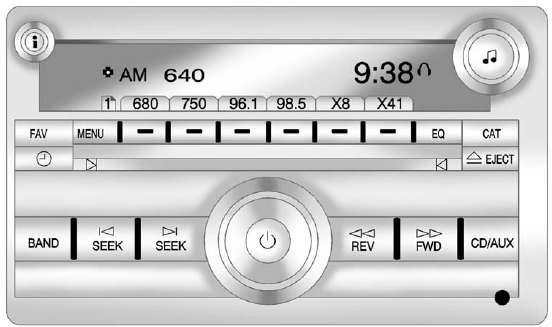
Radio with CD, Radio with CD/USB Similar
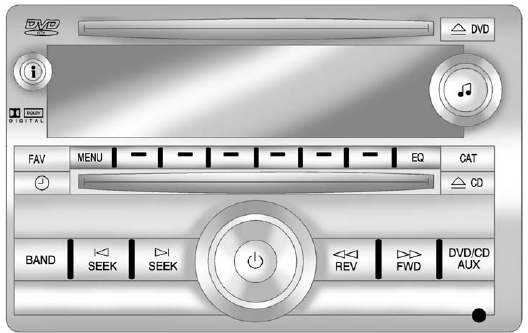
Radio with CD, DVD, and USB Port
The vehicle may have one of these radios as its audio system.
See also:
Infotainment System Menus
Tone Settings
To access the tone settings, press the Home Page Tone button or the TONE button
on the faceplate. Use the tone settings to adjust the following features:
○ Setting the tone
&# ...
Finding a Station
BAND: Press to switch between AM, FM, or XM. The selection displays.
(Tune): Turn to select radio stations.
SEEK and
SEEK: Press to go to the previous or next station and stay there.
To scan s ...
Turn and Lane-Change Signals
An arrow on the instrument panel cluster flashes in the direction of the turn or lane change.
Move the lever all the way up or down to signal a turn.
Raise or lower the lever for less than one sec ...