


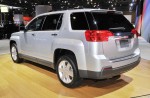
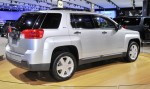
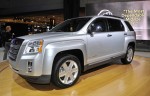
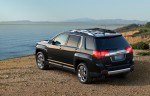
Gallery
|
|
|

|
|
|
See also:
Auxiliary Devices
For vehicles equipped with the MyLink or IntelliLink infotainment system, see
the separate MyLink/ IntelliLink Features and Functions Guide for more information.
This vehicle has an auxiliary input ...
Pairing
A Bluetooth enabled cell phone must be paired to the Bluetooth system and then connected to the vehicle before it can be used.
See the cell phone manufacturer's user guide for Bluetooth functions bef ...
Adjusting the Speakers (Balance/Fade) (All Except AM-FM Radio and Radio with
CD)
BAL/FADE (Balance/Fade): To adjust the balance or fade:
1. Press the knob until the speaker control tabs display.
2. Highlight the desired speaker control tab by doing one of the following:
• Pr ...