


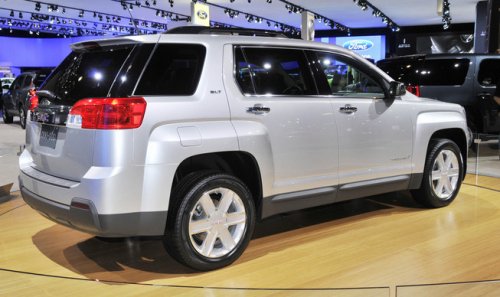
GMC Terrain
GMC Terrain
See also:
Automatic Transmission Fluid
It is not necessary to check the transmission fluid level.
A transmission fluid leak is the only reason for fluid loss. If a leak occurs, take the vehicle to the dealer and have it repaired as soon a ...
Tires
Tires need to be properly inflated, rotated, and balanced. Maintaining the tires can save money, fuel, and can reduce the risk of tire failure.
• Signs that the tires need to be replaced include th ...
Listing Stored Numbers
The list command will list all stored numbers and name tags. ...