


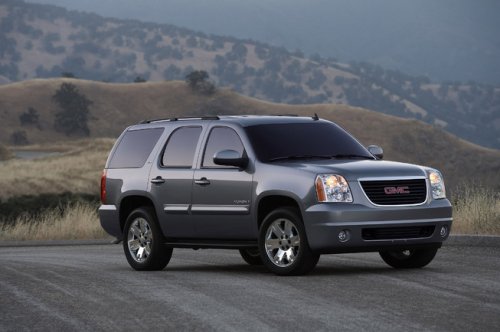
GMC Yukon
GMC Yukon
See also:
FM
FM signals only reach about 16 to 65 km (10 to 40 mi). Although the radio has
a built-in electronic circuit that automatically works to reduce interference, some
static can occur, especially aroun ...
Reading Lamps
For vehicles with reading lamps, they are located on the overhead console.
To turn on the reading lamps, press the button located next to each lamp. To turn them off, press the button again.
The veh ...
Audio Output
Only one audio source can be heard through the speakers at one time.
An audio source is defined as DVD slot, CD slot, XM, FM-AM, front auxiliary jack, USB port, or rear auxiliary jack.
Press the O b ...