


Gallery
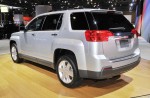
|
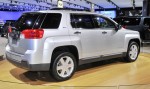
|
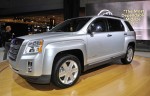
|
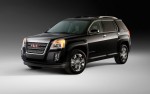
|
|
|
See also:
Conditions in Which Remote Start Will Not Work
The remote vehicle start feature will not operate if:
○ The key is in the ignition.
○ The hood or doors are not closed.
○ The hazard warning flashers are on.
○ There is an ...
Headlamps, Front Turn Signal, Sidemarker, and Parking Lamps
A. Low-Beam Headlamp
B. High-Beam Headlamp
C. Sidemarker Lamp
D. Park/Turn Signal Lamp
To replace one of these bulbs:
1. Turn the tire to reach the access port cap located in the front of wheel ...
Emissions Inspection and Maintenance Programs
Some local governments may have programs to inspect the on-vehicle emission control
equipment. For the inspection, the emission system test equipment is connected to
the vehicle’s Data Link Conn ...