


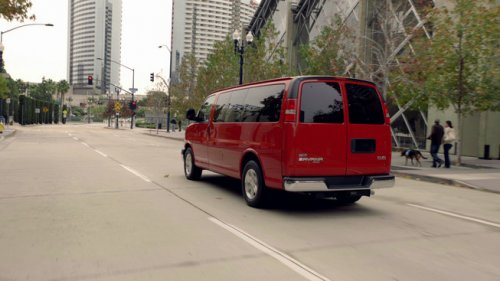
GMC Savana
GMC Savana
See also:
Dual Tone Multi-Frequency (DTMF) Tones
The Bluetooth system can send numbers and the numbers stored as name tags during a call. You can use this feature when calling a menu-driven phone system.
Account numbers can also be stored for use.
...
Radio(s)
Radio with CD, DVD, and USB Port
: Press to turn the system on and off. Turn to increase or decrease the volume.
BAND: Press to choose between FM, AM, or XM™, if equipped.
: Select radio stat ...
What Will You See after an Airbag Inflates?
After the frontal airbags and seat-mounted side impact airbags inflate, they
quickly deflate, so quickly that some people may not even realize an airbag inflated.
Roof-rail airbags may still be at ...