


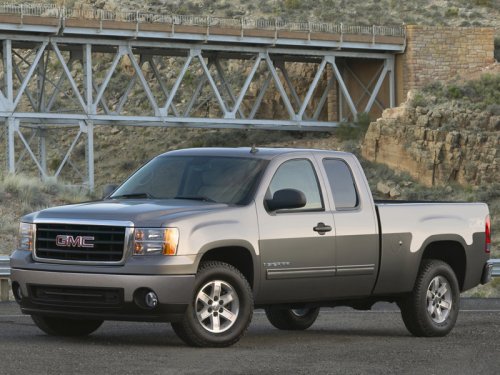
GMC Sierra
GMC Sierra
See also:
Connecting a USB Storage Device or iPod®
The USB port can be used to control an iPod or a USB storage device.
To connect a USB storage device, connect the device to the USB port located in the center console or on the instrument panel.
To ...
With Passenger Sensing System
This vehicle has airbags. A rear seat is a safer place to secure a forward-facing child restraint. See Where to Put the Restraint on page 3‑49.
In addition, the vehicle may have a passenger sen ...
New for 2011
The Sierra Hybrid gets GM's OnStar 9.0 telematics system that GM says
provides better voice recognition. GM also said they have worked to cut down on
the amount of wind noise occupants hear. ...