


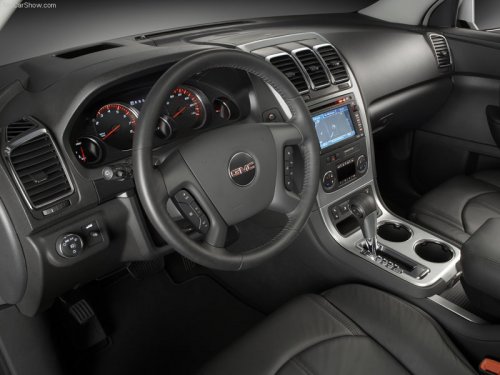
GMC Acadia
GMC Acadia
See also:
Services Provided
• Emergency Fuel Delivery:
Delivery of enough fuel for the vehicle to get to the nearest service station.
• Lock-Out Service: Service to unlock the vehicle if you are locked out. A remote unlock ...
Using Voice Recognition
For vehicles equipped with the MyLink or IntelliLink infotainment system, see
the separate MyLink/ IntelliLink Features and Functions Guide for more information.
To use voice recognition, press the ...
Washing the Vehicle
To preserve the vehicle's finish, wash it often and out of direct sunlight.
Notice: Do not use petroleum based, acidic, or abrasive cleaning agents as they can damage the vehicle's paint, metal, or p ...