


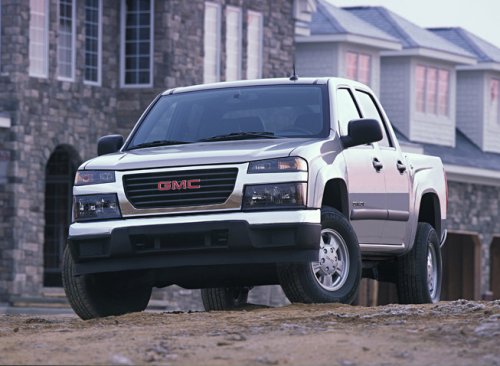
GMC Canyon
GMC Canyon
See also:
Insuring the Vehicle
Protect your investment in the GM vehicle with comprehensive and collision insurance coverage.
There are significant differences in the quality of coverage afforded by various insurance policy terms. ...
Theft-Deterrent Feature
TheftLock® is designed to discourage theft of the vehicle's radio by learning a portion of the Vehicle Identification Number (VIN).
The radio does not operate if it is stolen or moved to a different ...
Vehicle Speed Messages
SPEED LIMITED TO XXX MPH (KM/H)
This message displays when your vehicle speed is limited to 128 km/h (80 mph) because the vehicle detects a problem in the speed variable assist steering system.
Have ...