


GMC Acadia
GMC Acadia
See also:
Exterior Lighting
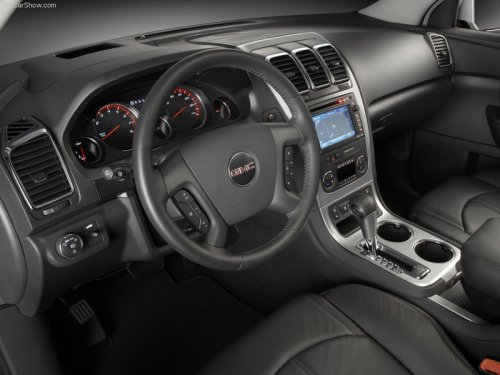
The exterior lamps control is located on the instrument panel to the left of the steering wheel.
: Turns off the automatic headlamps and Daytime Running Lamps (DRL). Turn the headlamp control ...
Fuses and Circuit Breakers
The wiring circuits in your vehicle are protected from short circuits by a combination of fuses, circuit breakers and fusible thermal links.
This greatly reduces the chance of fires caused by electri ...
Passenger Sensing System
If the vehicle has one of the indicators pictured in the following illustrations, then the vehicle has a passenger sensing system for the right front passenger position, unless there is an airbag off ...