


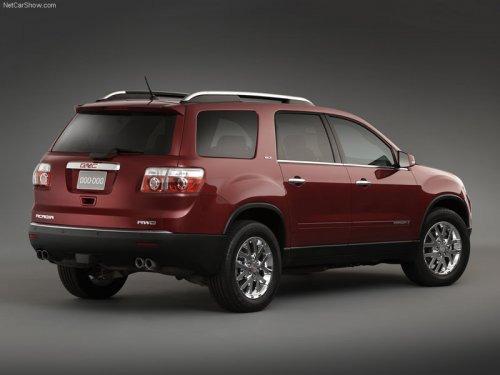
GMC Acadia
GMC Acadia
See also:
Navigating an iPod or USB Device on the Music
Navigator Screen (Vehicles with a Navigation
System)
1. Press and release or
to select the next or previous track within the selected category.
2. Press and hold or
to move quickly through the tracks within the selected category.
3. Press and re ...
Exterior Lamps Off Reminder
For vehicles with a radio, a reminder chime sounds when the headlamps or parking lamps are manually turned on, the ignition is off, and a door is open. To disable the chime, turn the lamp off. ...
DVD-A (Audio) Display Buttons
Once a DVD-A is inserted, the radio display menu shows several icons.
Press the softkeys under any icon during DVD playback. See the icon list below for more information.
A rear seat passenger can n ...