

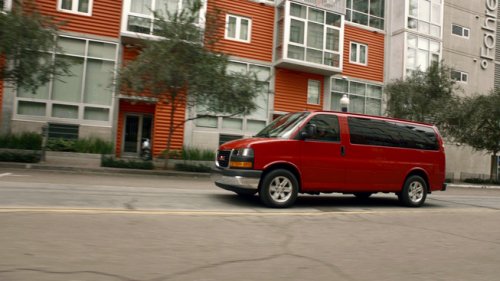
GMC Savana
GMC Savana
See also:
Infotainment System Menus
Tone Settings
To access the tone settings, press the Home Page Tone button or the TONE button
on the faceplate. Use the tone settings to adjust the following features:
○ Setting the tone
&# ...
Adjusting the Brightness and Contrast of the Screen
To adjust the brightness and contrast of the screen, press the MENU button while the RVC image is on the display. Any adjustments made will only affect the RVC screen.
(Brightness): Touch the + (plu ...
Ride Control System Messages
SERVICE STABILITRAK
This message displays if there is a problem with the StabiliTrak® system. If this message appears, try to reset the system. Stop; turn off the engine for at least 15 seconds;
th ...