


Operation
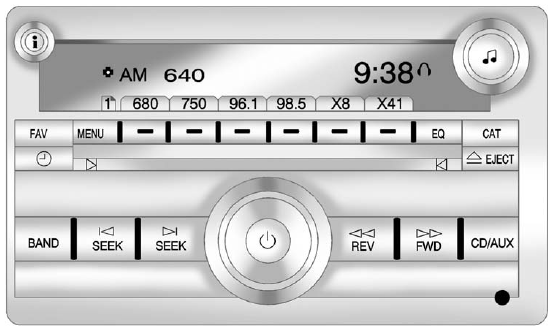
Radio with CD, Radio with CD/USB Similar
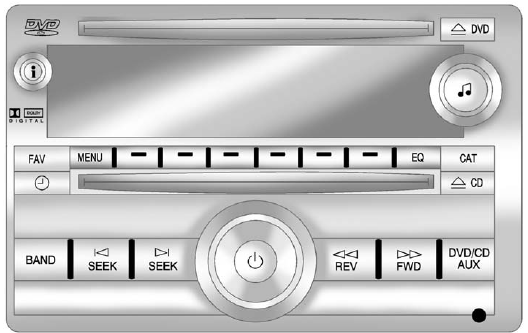
Radio with CD, DVD, and USB Port
The vehicle may have one of these radios as its audio system.
See also:
Convex Mirrors
WARNING
A convex mirror can make things, like other vehicles, look farther away than they really are. If you cut too sharply into the right lane, you could hit a vehicle on the right. Check the insid ...
Roof Rack System
The roof rack cross rails can be locked in four positions along the roof rack
side rails. Lift the lever to release and move the cross rail. Push the lever down
to completely engage into the side ...
Body Component Lubrication
Lubricate all key lock cylinders, hood hinges, liftgate hinges, and steel fuel door hinge unless the components are plastic. Applying silicone grease on weatherstrips with a clean cloth will make them ...